
For readers who still mark real pages
Keep the passages your paper books gave you.
Scan a marked page. PassageShelf turns it into a searchable passage, keeps it private, and brings a few back each day.

Some books are to be tasted, others to be chewed and digested.
Of Studies · Francis Bacon · p. 42
the problem
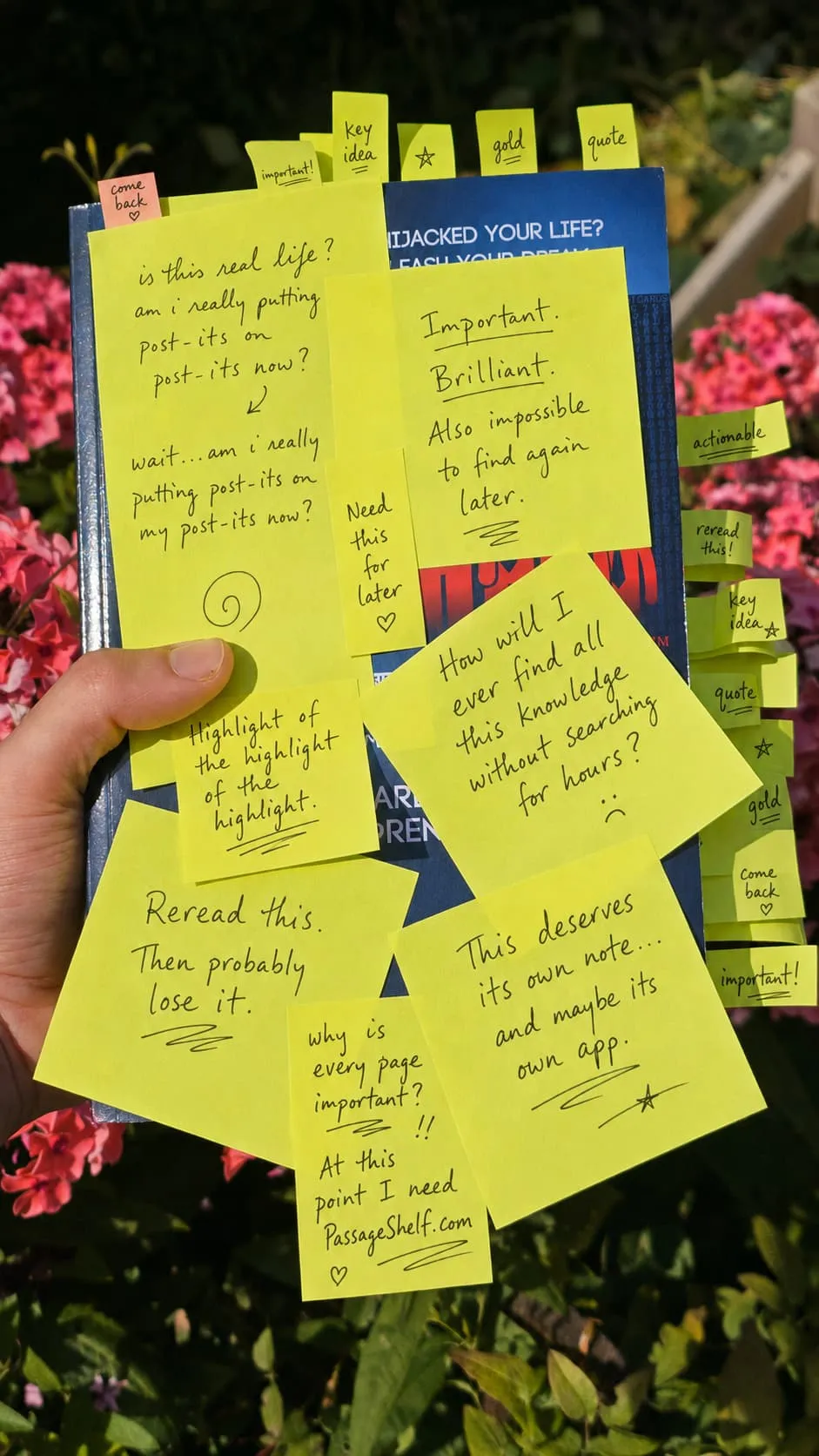
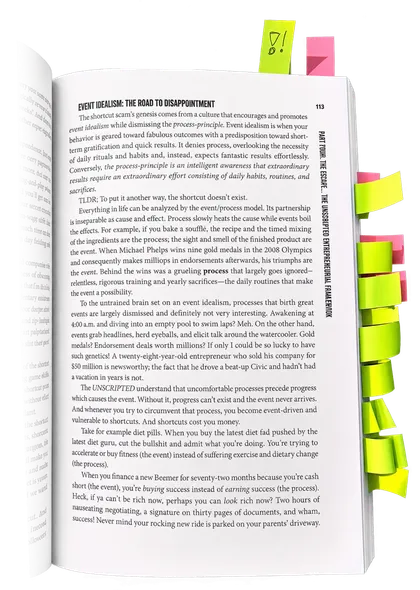
Is your book starting to look like this?
Sticky notes on every chapter, pencil in every margin, dog-ears everywhere — and finding one thought later means searching the whole book again. PassageShelf gives those marked lines a searchable home.
how it works
From pencil mark to memory
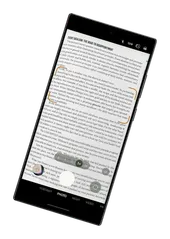
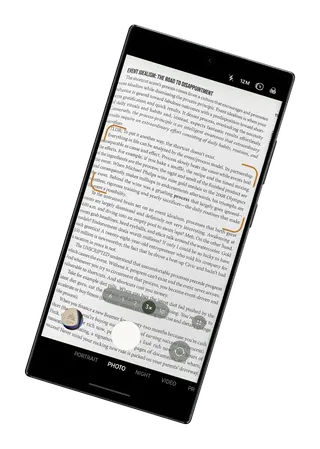
Scan the marked page
Point your phone at the page. The passage you underlined lands in your library as text. You can also type it in yourself.
It becomes a card
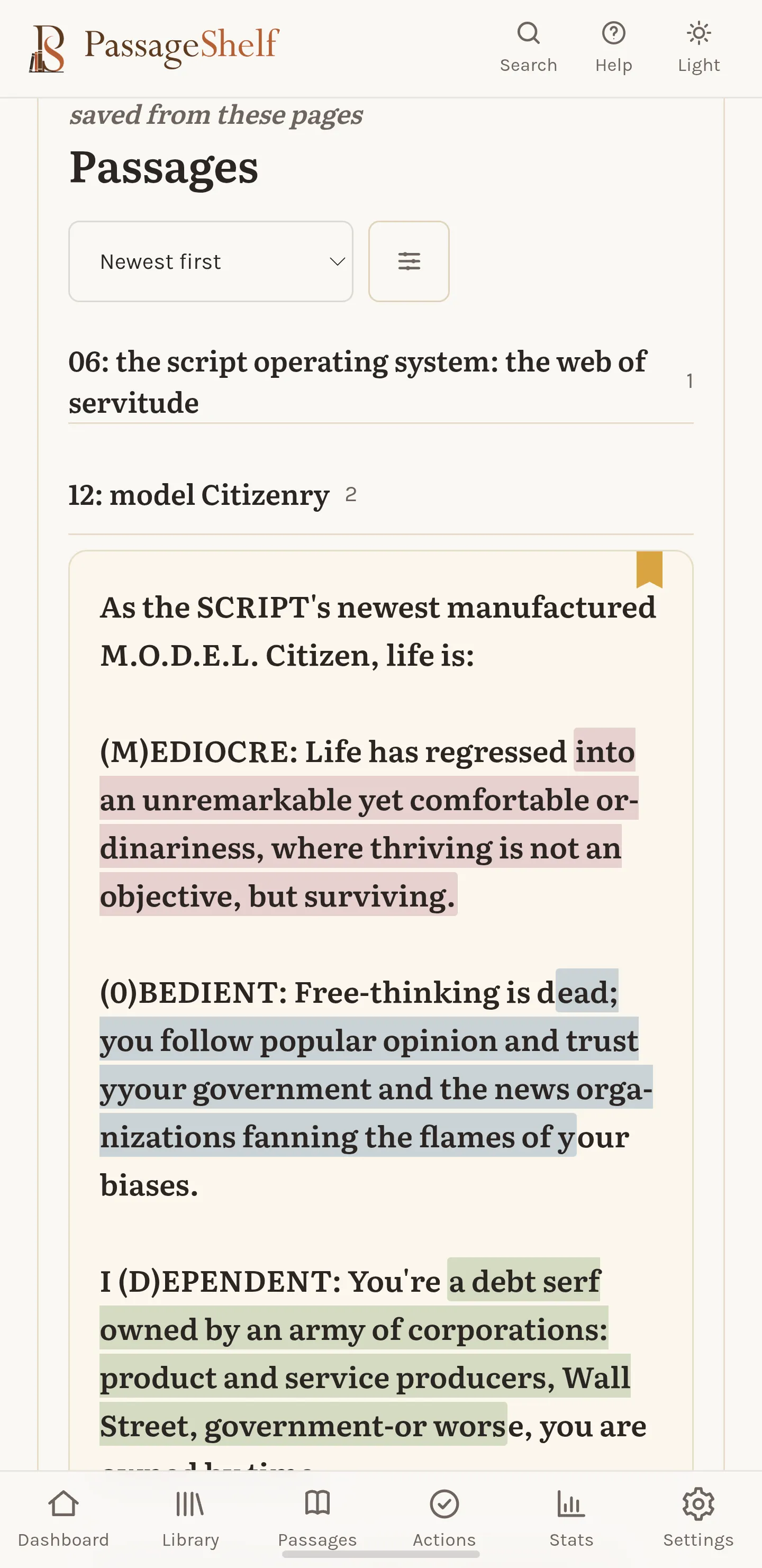
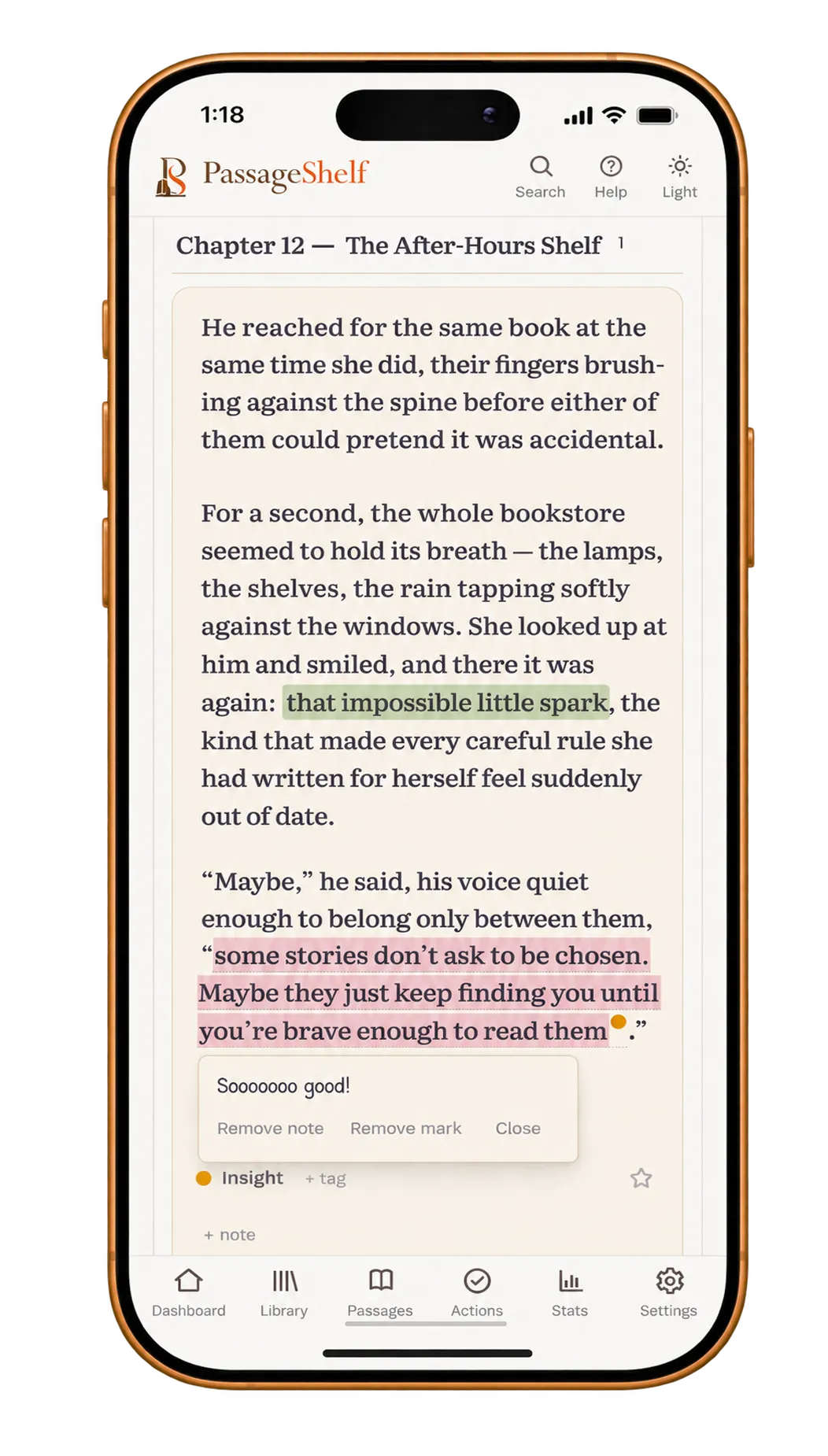
Each passage sits on its own card, colored by what it means to you, tagged, and tied to its book and chapter. Your notes pin to the exact words that earned them.
It comes back to you
A small hand of cards returns each day. Swipe through them like turning pages.
your shelf
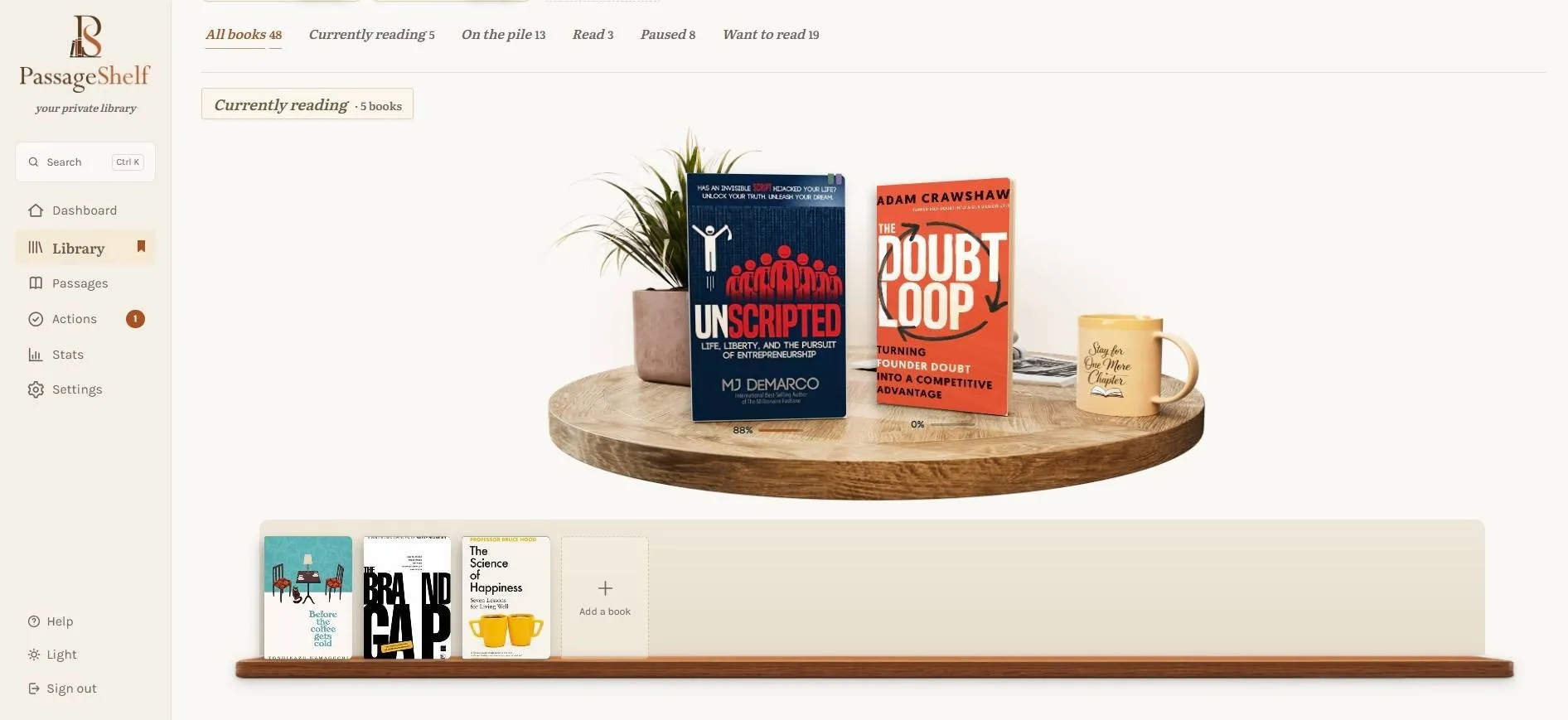
Every book you own, on one shelf
Real spines on real boards. Sort books by Reading, On the pile, Finished, Paused or Wishlist, stack them into collections, and watch progress creep along a cover.
your whole margin, kept
Not a pile of screenshots. A library.
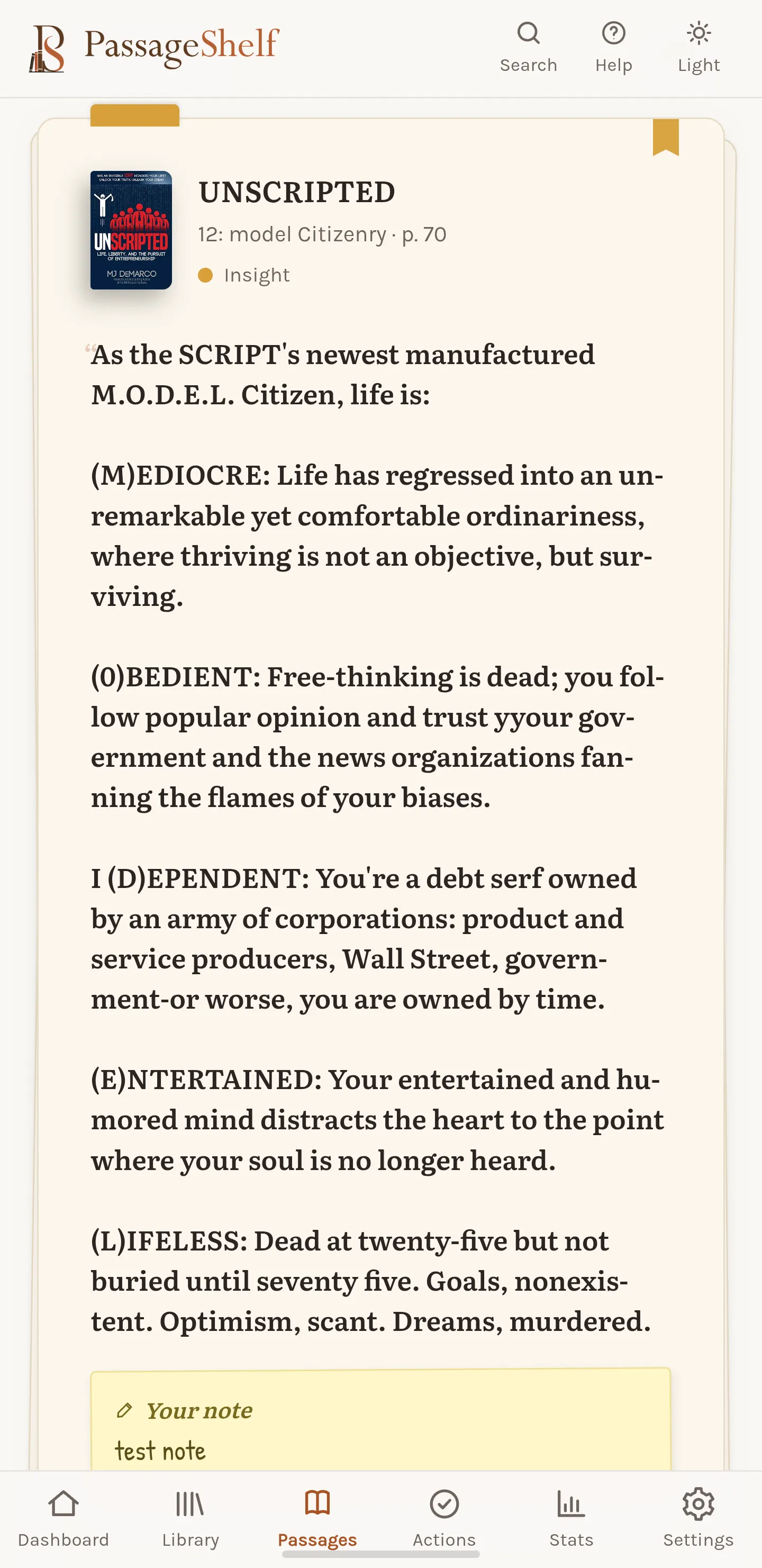
Every passage lands sorted by book, chapter and color, searchable in one box. Underline inside the app the way you would on paper, and pin a note to the exact line that earned it. When you want the deck instead, it’s one tap away: Today, Random, or Forgotten. The lines that changed your mind, the romantic passages, the quotes you swore to live by — they keep coming back until they stick.
it remembers where you stopped
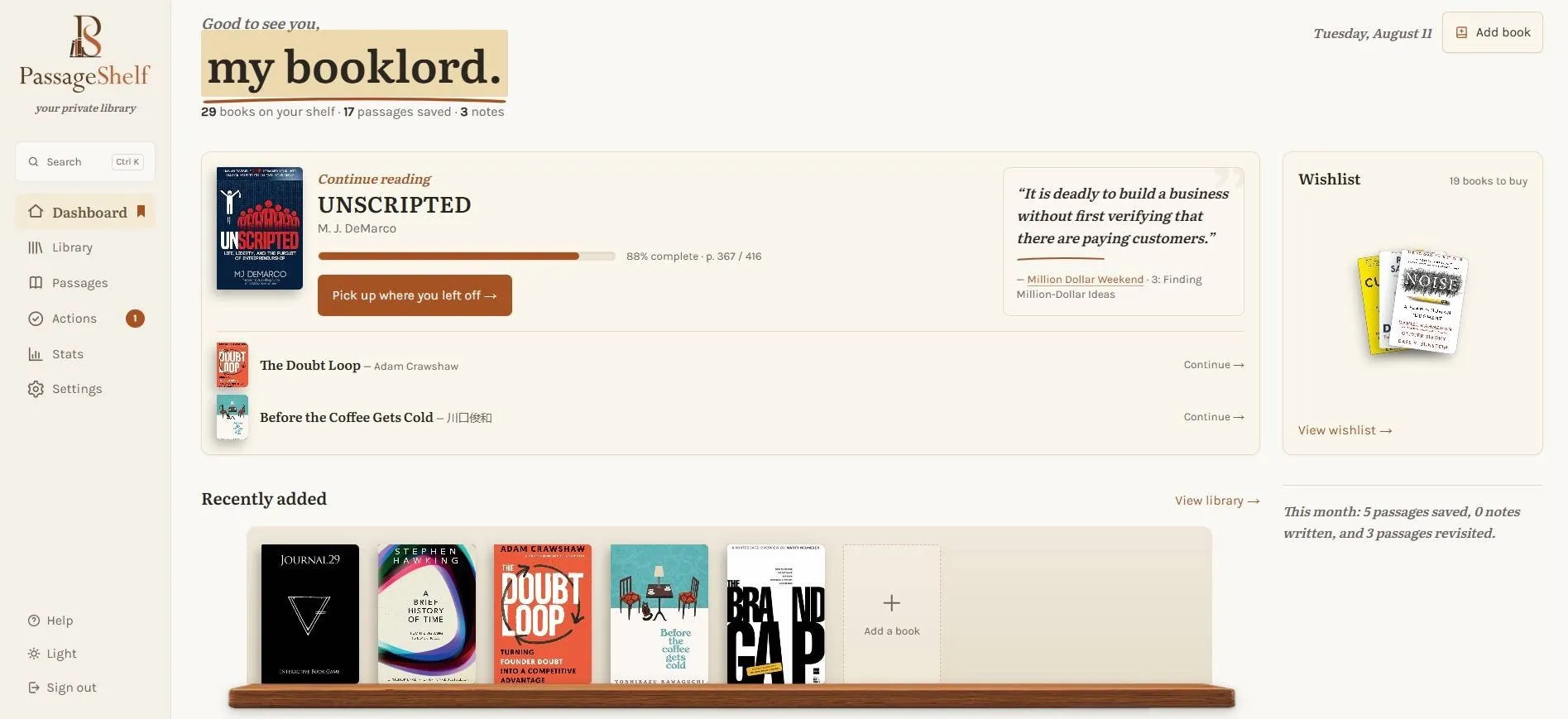
every book you add lands here
and a saved passage comes back
what’s different
Built around passages, not blank pages
A notes app gives you an empty document. PassageShelf remembers which words came from which book, where you found them, and what they meant to you.
or let us keep the shelf
You don’t pay to unlock your notes
PassageShelf is free while we learn from early readers. At paid launch, a useful free plan stays; subscriptions pay for higher limits and support. Export remains available on every plan.
Prices at launch · VAT included
Cloud Free
€0
Unlimited passages and notes, 30 cloud scans a month, and the daily digest email. Past the 30, scanning still works — reads come from the app's own engines, which are never capped.
Cloud Full
most readers
€4/mo
€39/yr
a year runs about two months free
Unlimited cloud scanning, browser notifications, selected-region re-reads, and the monthly recap.
The trust contract
- Export is never gated. Any tier, ever — your whole library as Markdown or JSON.
- Your passage library stays private to your account; it is not a public reading feed.
- No daily passages by email. Product and mobile-launch news is opt-in.
- Fair use over hard cuts. Heavy users get an email from a human before anything is enforced.
Printed here so you can hold us to it.
available now
Start in the browser
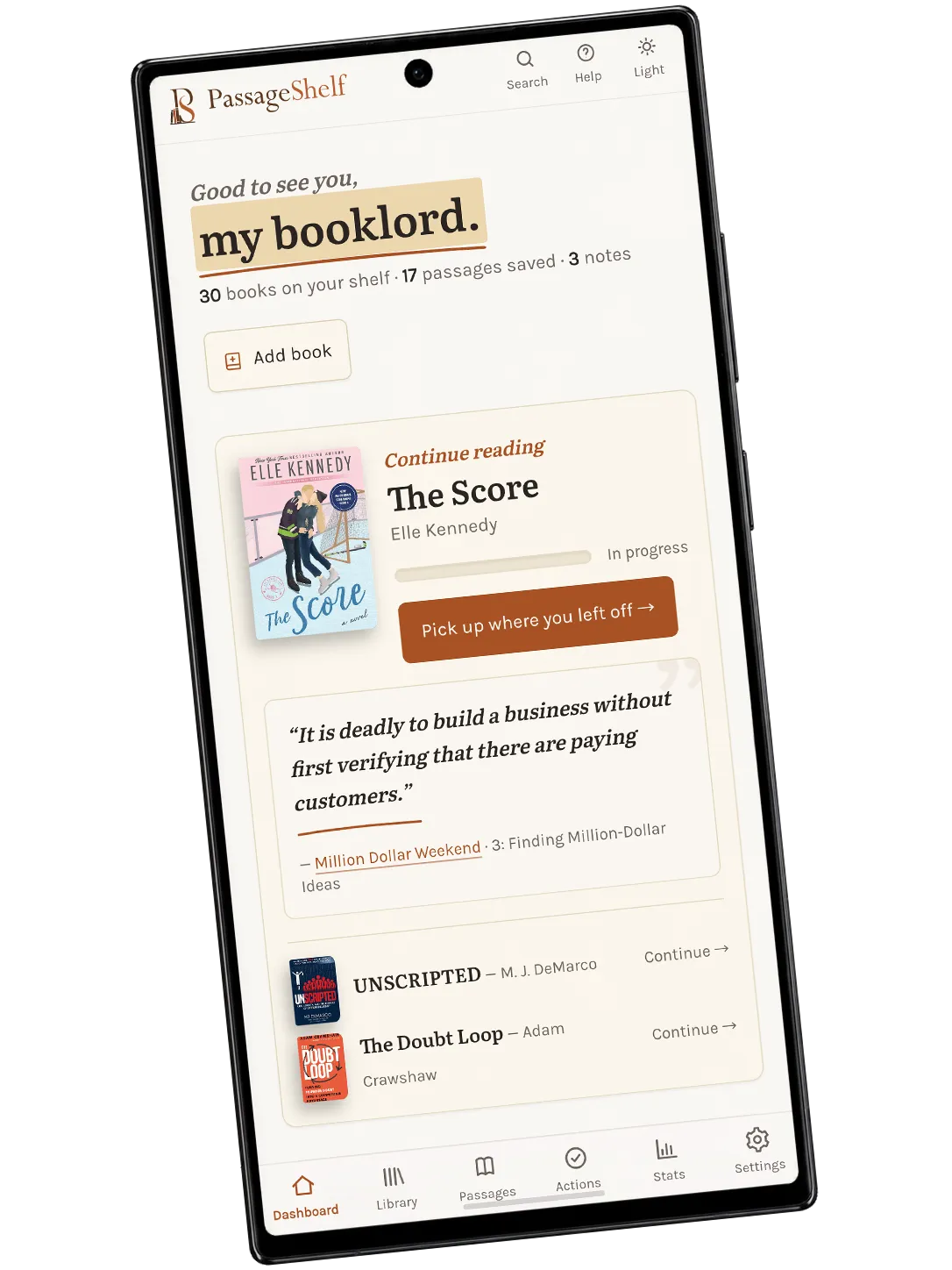
PassageShelf works in any browser today, and the Android app is on Google Play. Create an account and your shelf follows you to both. iOS follows later.
before you ask
Fair questions
Is PassageShelf available now?
Yes. Create an account and use it in any browser, or install the Android app from Google Play. iOS follows.
Where does my data live?
Your library belongs to your account and is not a public feed. Export is available as Markdown or JSON. Full privacy and deletion details live on the privacy page.
Can I bring my Kindle or Readwise highlights?
Yes. The web app can import Kindle clippings and Readwise passages so digital and paper reading can share one library.
Why not just type passages into my notes app?
Typing passages out is the step everyone skips. PassageShelf takes them in through the camera, then exports clean Markdown, so your notes app stays the home of your notes.
Is there a phone app?
Android is here: install it from the Google Play listing, where it is in early access. iOS follows Android; no date is promised yet.
How much will it cost?
It is free for now. At paid launch there will still be a useful free plan — unlimited passages and notes, 30 cloud scans a month and the daily digest, with scanning carrying on past the 30 through the app’s own uncapped engines — and Full at €4/month or €39/year adds unlimited cloud scanning, browser notifications, selected-region re-reads and the monthly recap.
coming to mobile
Know when the apps launch
PassageShelf is open now, in the browser and on Android, without joining this list. Leave your email only if you want launch news, iOS included.
Launch notice saved.
We’ll write when the mobile apps are ready.