
Scan the marked page
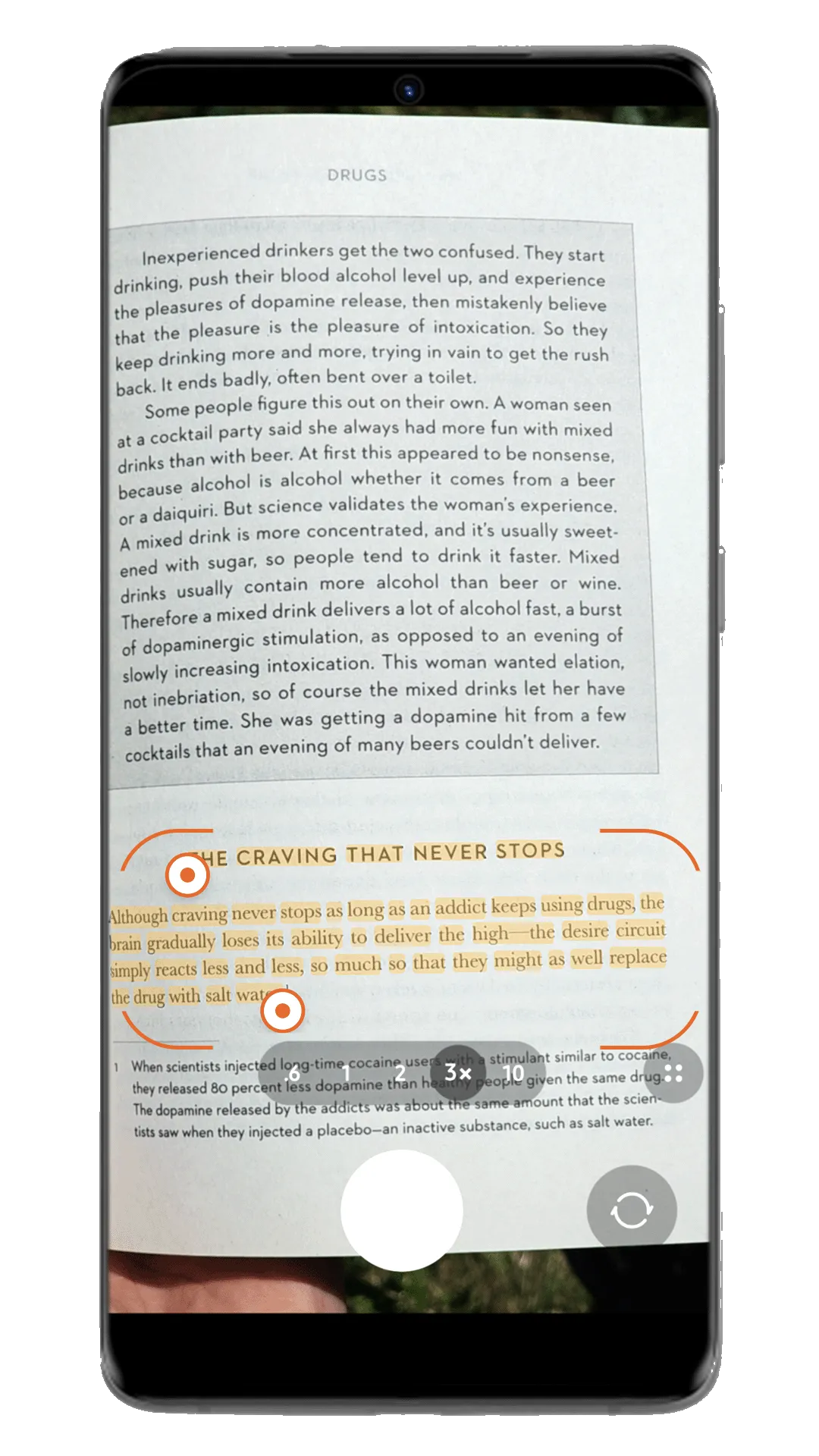
Point your phone at the page. PassageShelf turns the marked lines into a passage you can keep, find, and return to with the book and page context beside it.

capture · organize · revisit
Capture a marked page, keep the passage with its book and context, then meet it again through Daily Review. Your library remains exportable.
get it in
The step everyone skips is typing passages out. So you don’t type.
Point your phone at the page. PassageShelf turns the marked lines into a passage you can keep, find, and return to with the book and page context beside it.
No phone in reach, or a passage too short to bother? Manual entry is two fields and done. Same card, same shelf.
Bring your Kindle and Readwise highlights over in a couple of clicks. They join your paper passages on one shelf, so the split between e-reader, Readwise and print stops mattering.
keep it sorted
Index cards, not a junk drawer. Every passage knows its book, its chapter, and what it meant to you.
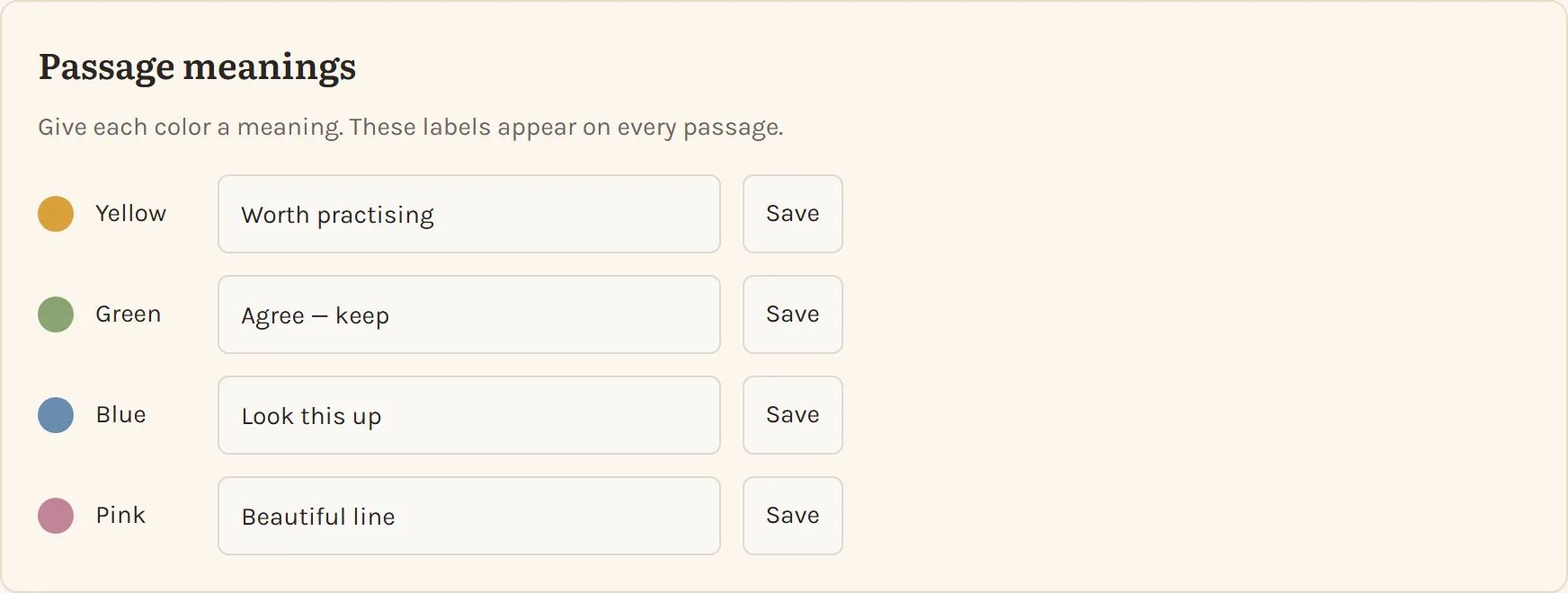
You name your own color meanings: Big idea, Action, Quote, whatever your reading calls for. Every card wears one. Rename them anytime; the cards follow.
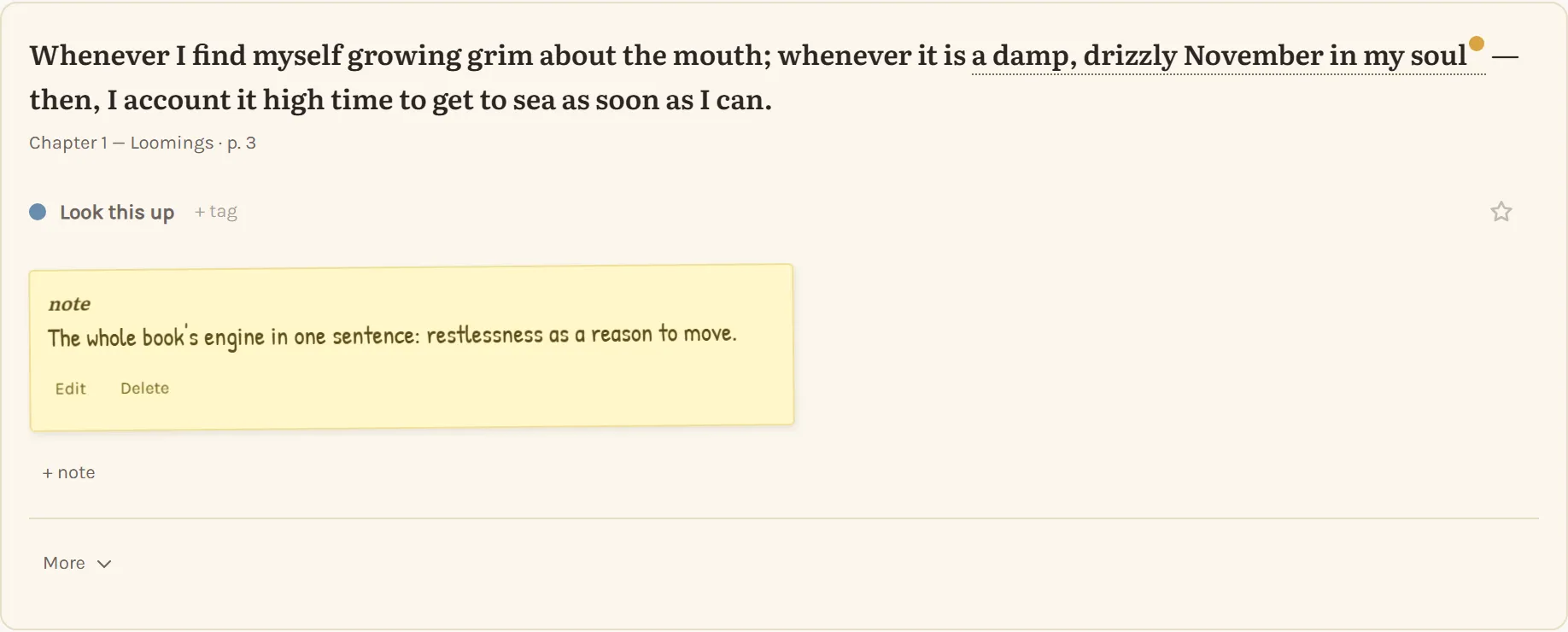
Notes don’t float next to a passage — they anchor to the exact words that earned them, the way pencil does in a real margin.
Tags run threads across books — every passage about attention, no matter who wrote it. Favorites float the ones you’d save from a fire.
Real spines on real boards. Statuses (Reading, On the pile, Finished, Paused, Wishlist) and a progress line creeping along each cover.
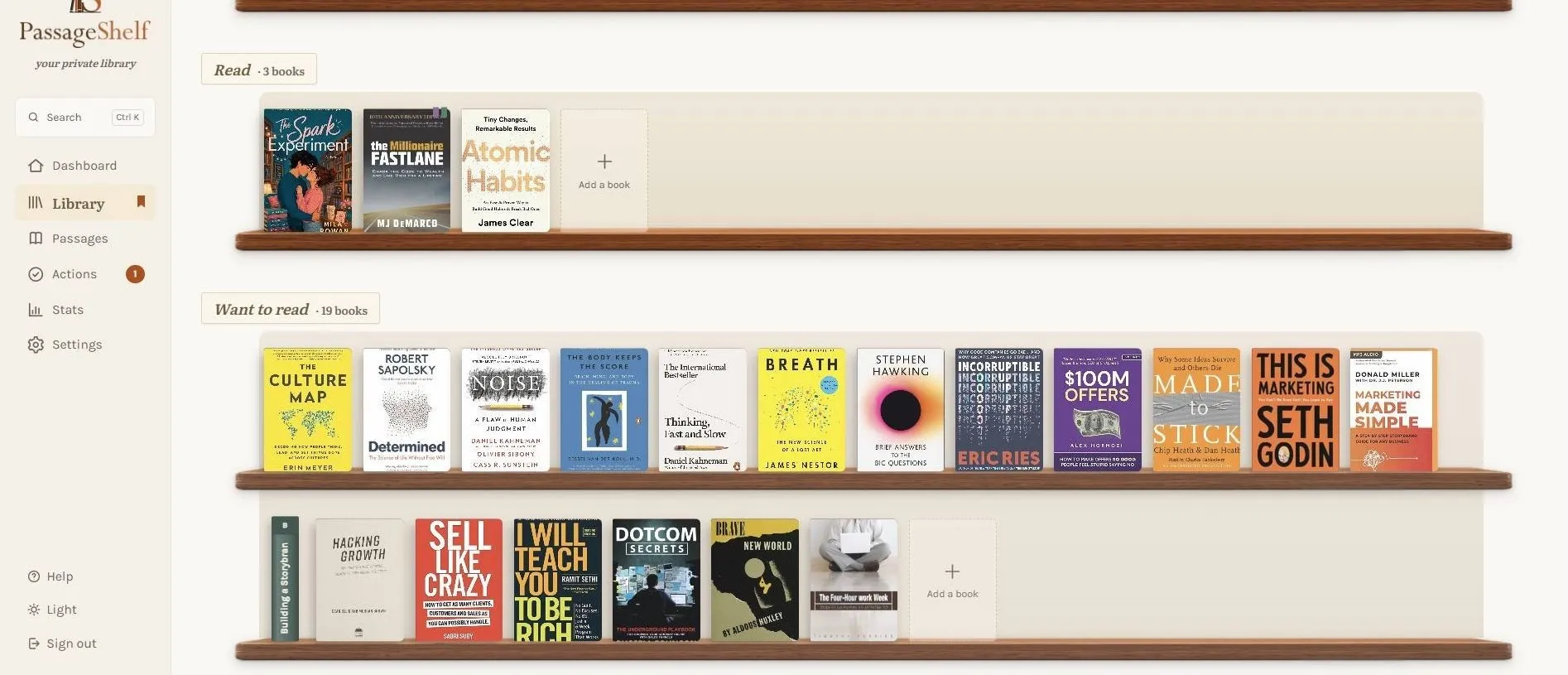
Stack books into named groups without moving them off the main shelf: a course, a project, a year of reading.
get it back
Collecting passages is easy. The point is meeting them again.
The deck deals a few passages each day, spaced out so old ones resurface before they fade. Swipe through like turning pages.
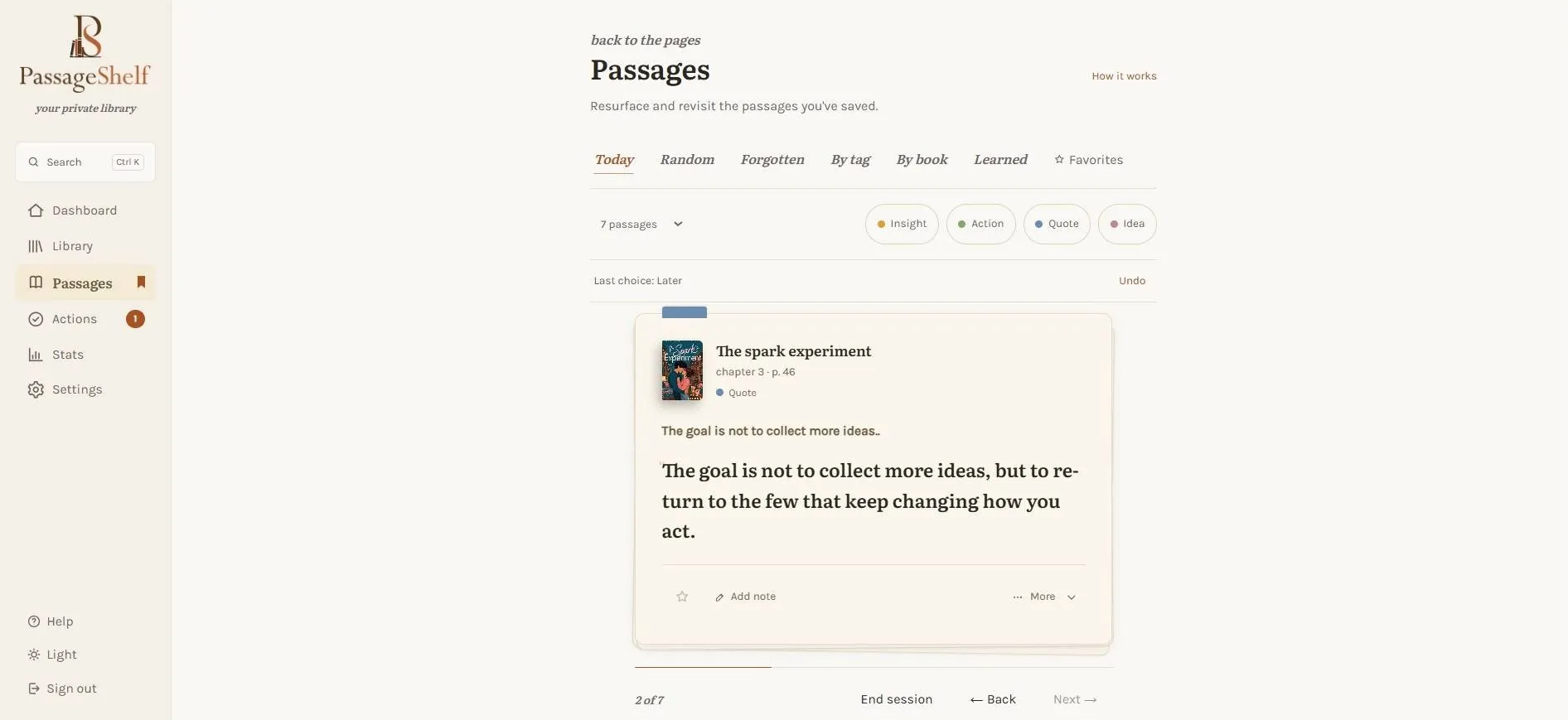
Today for the daily hand. Random when you want surprise. Forgotten for what you haven’t seen in months. By tag or by book when you’re working on something.
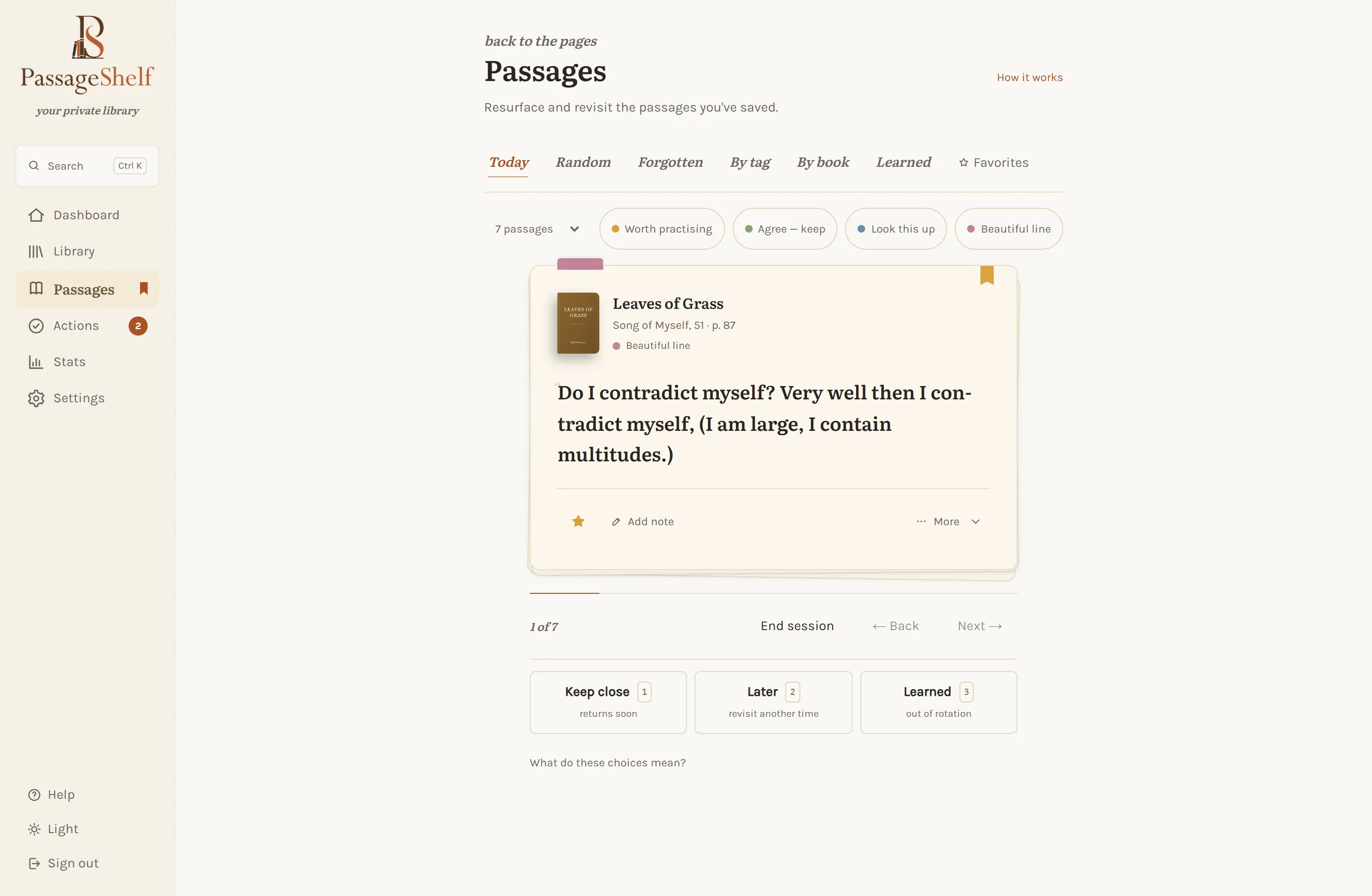
PassageShelf is available now in the browser, where your passages, books, and Daily Review work together on a larger screen. The Android app is on Google Play in early access; iOS follows later.
put it to work
Some passages want more than rereading.
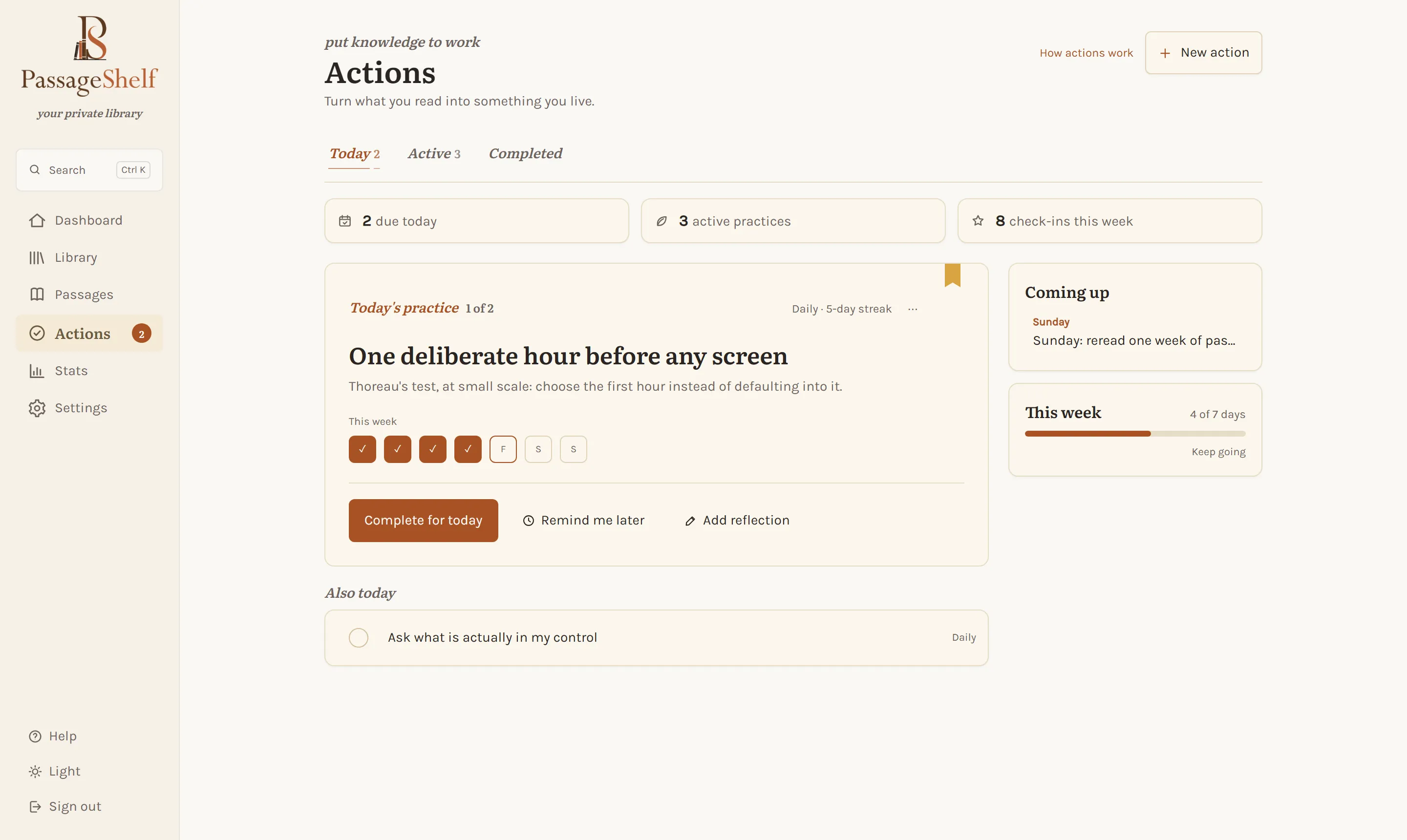
Some lines demand something: an email, an apology, a canceled subscription. Make it a todo right on the card and get it out of your head.
Recurring practices grow out of passages, tally marks keep the streak honest, and a one-line reflection records how it actually went.
yours, provably
The trust contract, in features rather than promises.
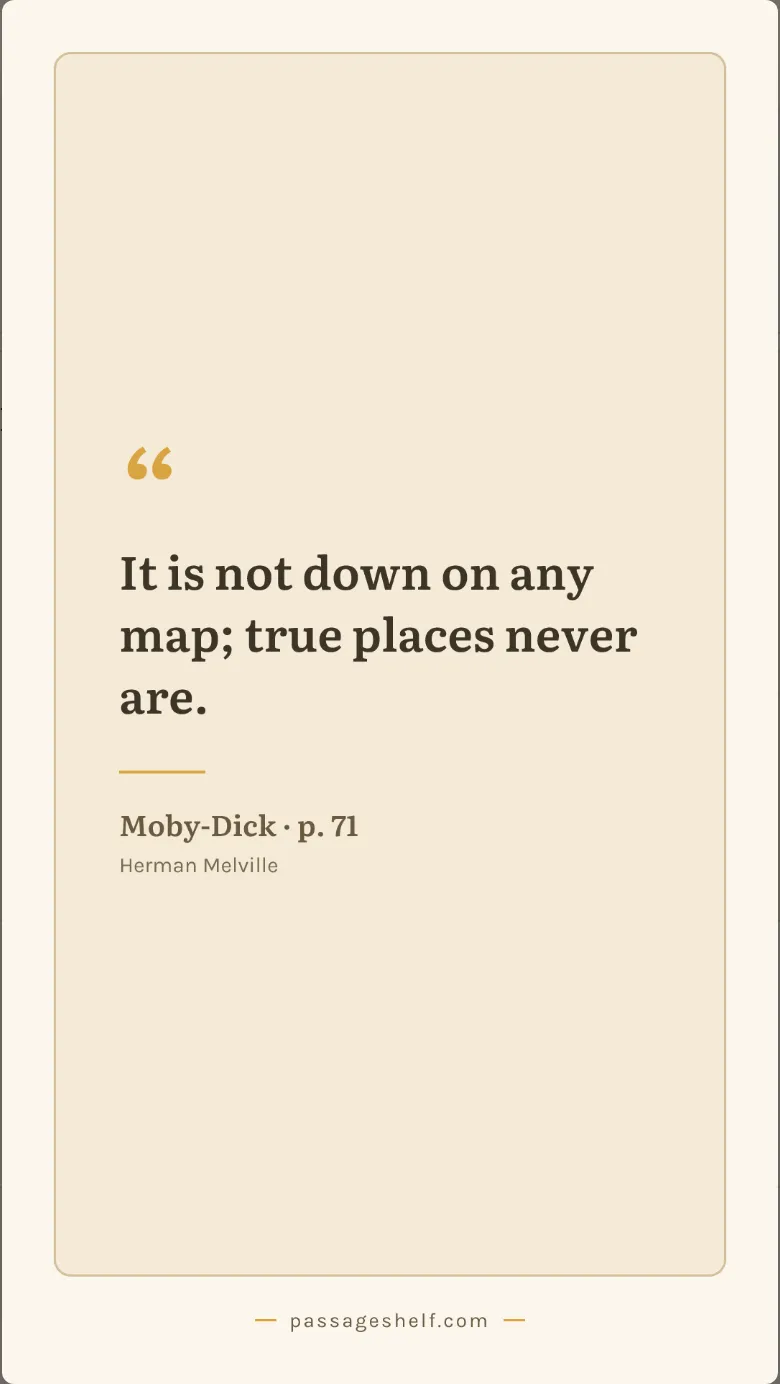
Any card renders as a clean quote image — for the group chat, the book club, or the friend who needs that exact line today.
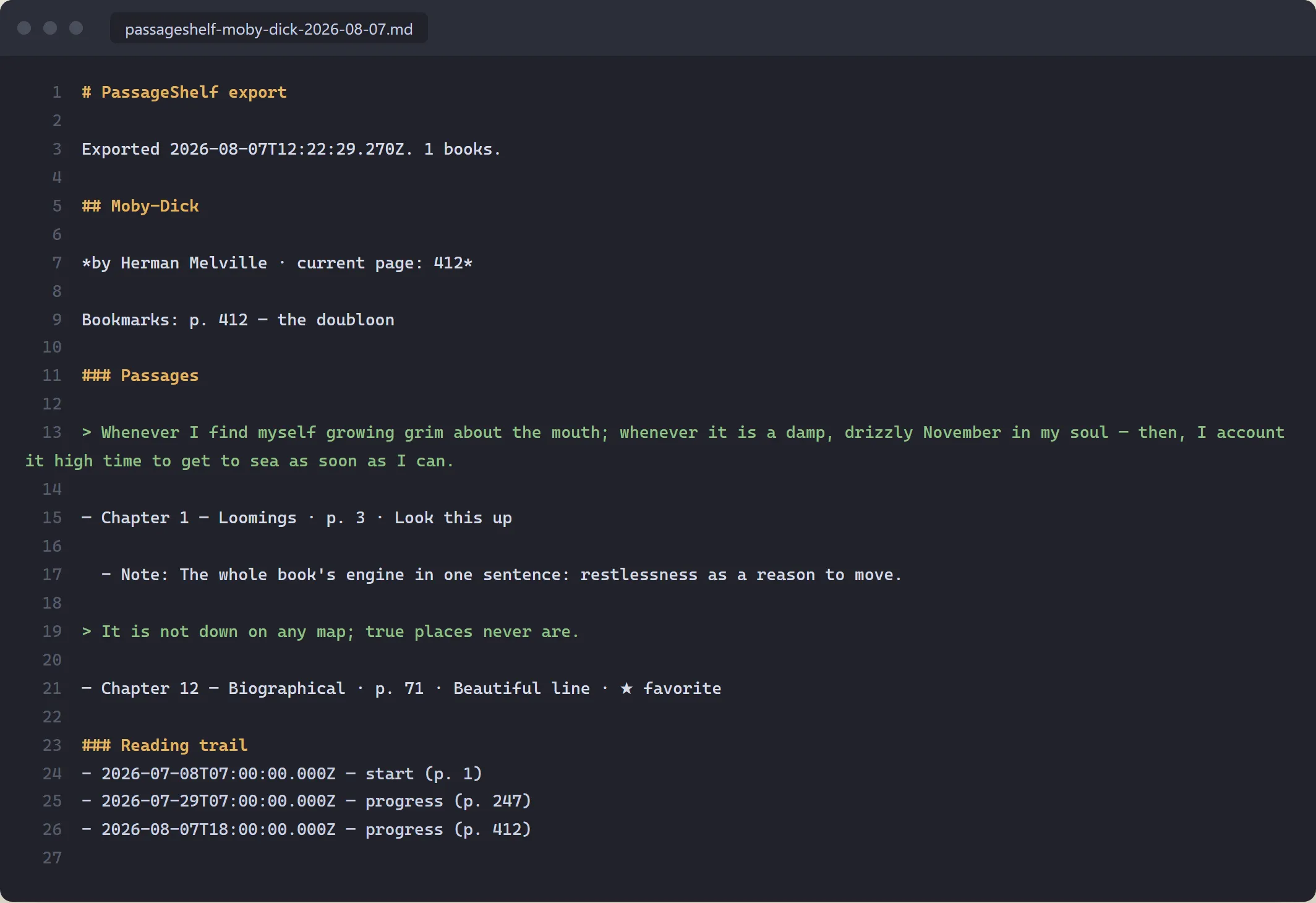
Markdown or JSON, every tier, always — into Obsidian, into a backup drive, into whatever comes after us. Your library leaves whenever you tell it to.
coming to mobile
PassageShelf is open now, in the browser and on Android, no list needed. Leave your email only if you want launch news, iOS included. Nothing else, ever.
Android and iOS launch news only. No daily passage emails.
Launch notice saved.
We’ll write when the mobile apps are ready.